Revit® Section Far Clip Options
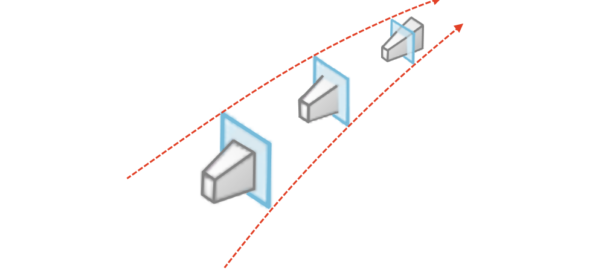
Far Clipping options in Revit
Far clipping is parameter that we control when creating section, elevation or callout.
The far clip plane is defined with the Far Clip Offset parameter. Read More

Far clipping is parameter that we control when creating section, elevation or callout.
The far clip plane is defined with the Far Clip Offset parameter. Read More
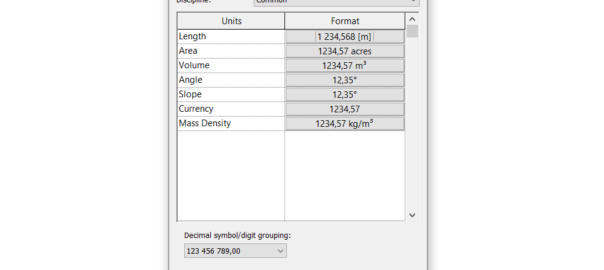
Setting Revit project units may sound trivial, but there are couple of hidden gems that everyone should know about.
To run project units dialog, on Revit ribbon go to Manage > Project Units, or use keyboard shortcut UN (as United Nations) like everyone do. Read More
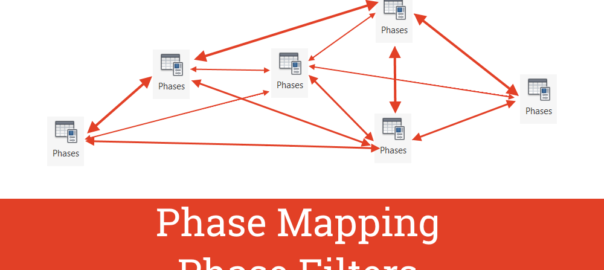
Linking Revit files is an essential method to collaborate on BIM project, primary, but not exclusive, for interdisciplinary collaboration.
When multiple phases are present in project model (more than one phase), phase mapping occurs. Read More
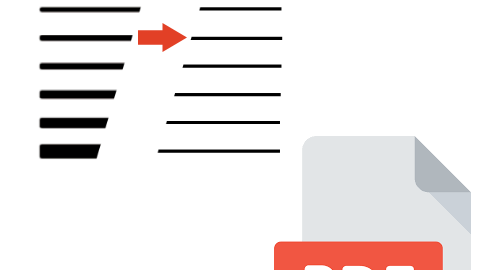
Did you know that you can show your PDF drawing with vector lines? (simply said: lines that have constant (thin) line weights no matter how much you zoom in).
You will need to open your drawing with Adobe Acrobat Reader. Thin lines feature in Adobe® Reader® shows content the same way such as Thin Lines command in Revit®, for example. Read More

Creating (producing) PDF with layers from Revit®, using Print to PDF option is, unfortunately, not possible.
The solution, however, is simple. If you have AutoCAD®.
Let’s say you have Revit® view or sheet that you want to have in PDF with layers so they can be turned on/off appropriately. The procedure to achieve this is simple: Read More
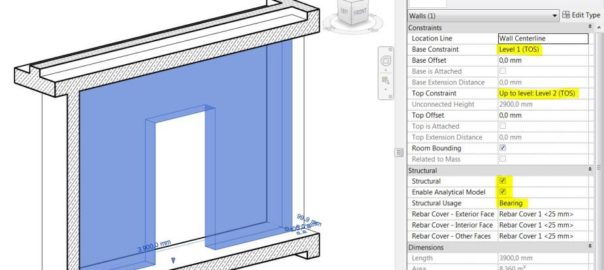
Practical guidelines for modeling structural elements in Revit® include:
Guidelines for vertical structural elements:
guidelines for horizontal structural elements: Read More
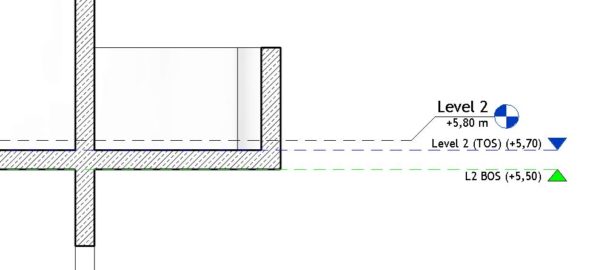
“Set levels and grids? Just throw a few of them in the model and let’s do some real modellin’!”
Levels are the most important elements of a Revit model. Grids are important, but not so much as levels (you know, if you delete a grid, nothing will get deleted with it like when you delete a level).
Your whole future (re)modeling work depends on how you plan and set your levels in the beginning. Levels and grids are “the structure” of your Revit model. You don’t need to be a structural engineer to know the importance of a good structure. Here are some important tips about how to properly Read More
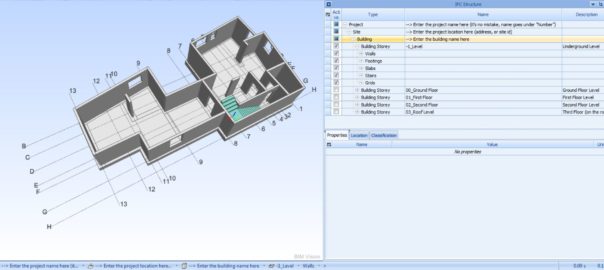
Let start our structural modeling with some tweaks to the Revit template for successful later IFC export. To align with IFC file organization, in Revit project or template file we need to add additional parameters and enter values to the correct existing ones.
General IFC file organization: Read More
Do you hate when you must use custom revision numbers in your Revit project? How many hacks do you think you need?
For example, you must use combination of letters and sequencing numbers at the same time. There is prefix and suffix options. Both of these features are useless if project rule is to use, for example, the following sequence: Read More

If a family is cuttable then the family displays as cut when the cut plane of a view intersects that family in all types of views.
In Family Editor, click  to open Element Visibility Settings dialog. There is an option called When cut in Plan/RCP. (RCP is short for Reflected Ceiling Plan)
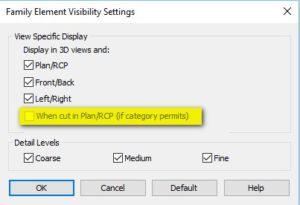
This option determines if family geometry is shown when the cut plane intersects that family. Family can be cuttable only if it’s Category is cuttable. How can we know which Revit categories are cuttable and which are not? Read More